Generate an AI Podcast from Documents
Turn articles, notes, reports, or course materials into a source-grounded AI podcast, then review facts, rights, and audio quality before sharing.
Workflow diagram
Recommended tools
7 recommendationsProduction Default
2
NotebookLM
Best default for source-grounded Audio Overviews from reports, notes, PDFs, and research packets.

Podcastle
Practical studio option when the document-to-audio workflow also needs recording, editing, hosting, and cleanup.
Fast-Rising Option
2
Descript
Good fit when the AI draft becomes a real episode that needs text editing, overdub fixes, captions, and exports.

ElevenLabs
Useful when the podcast needs a stable narrator voice, pickups, and multilingual audio versions after the script is locked.
Open or Self-Hosted Alternative
3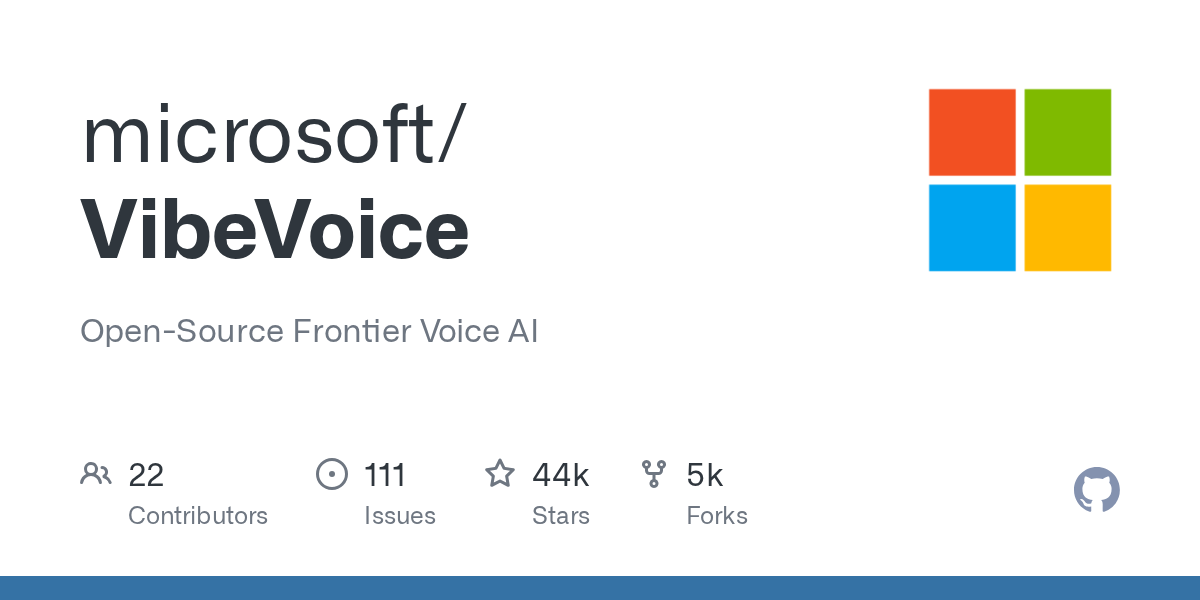
VibeVoice
Open research route for long-form multi-speaker audio prototypes from prepared scripts.
Chatterbox
Self-hosted TTS route when you want voice generation control and can accept engineering setup.
F5-TTS
Open TTS base for local experiments, pickup lines, and low-cost voice generation after script lock.
Why this workflow is worth adopting
The first time a creator hears a document turned into a two-host AI conversation, the reaction is usually delight followed by a dangerous assumption: if it sounds like a podcast, it must be ready to publish. That is where most weak AI audio starts. This workflow makes the generated episode easier to trust by adding source preparation, fact review, packaging, and disclosure before the file leaves your workspace.
What breaks without an editorial loop
The hard part is no longer generating speech. The hard part is giving the model a tight source pack, catching the moments where it embellishes, and deciding whether the output should be a private briefing, a course companion, or a public episode. NotebookLM’s own help documentation warns that Audio Overviews are AI-generated and can include inaccuracies or audio glitches. That is enough reason to treat the first output as a draft, not as a finished show.
Who should use it
This workflow is for knowledge creators, educators, analysts, B2B marketers, and course teams who already have useful written material but need a more listenable format. It works well for lecture notes, research roundups, product documentation, policy explainers, and dense reports that people will not read on a commute. You can start at $0 and stay under roughly $25 per month for light use, but your real cost is review time.
When the AI podcast should stay private
Some document podcasts are better as internal audio notes than public media. If the source pack includes client documents, paid reports, student work, private Slack exports, or anything with personal data, generate only after you understand the sharing rules. If the output discusses finance, health, legal risk, politics, or breaking news, treat the AI hosts as draft narrators, not authorities.
YouTube also matters if your “podcast” becomes a video or Short. Its altered or synthetic content policy focuses on realistic, meaningful changes, especially when synthetic media could mislead viewers. A public AI-hosted episode should use clear wording in the description when synthetic voices are central to the format.
Build the production path
The best results come from improving the input before generation and improving the package after generation.
Prepare a source pack that speaks clearly
The contrarian insight: the model is rarely the bottleneck. Your source pack is. A messy folder of 30 PDFs usually produces a wandering episode because the AI has no editorial spine to follow. A smaller pack of 3 to 10 focused sources on one topic often produces a stronger briefing because the hosts have fewer competing threads to reconcile.
Start by removing duplicate material, old versions, boilerplate intros, and pages that exist only for branding. Rename files so a generated host can reference them naturally. 2026-pricing-research is more useful than final-v7-updated. If a source is a scanned PDF, run OCR before upload. If the source is a transcript, clean speaker names and timestamps.
Add one short editorial note as a source when the output is meant for public use: who the listener is, what the episode should emphasize, what it should avoid, and which numbers must not be paraphrased loosely.
Generate a draft and argue with it
NotebookLM is the best default starting point because the Audio Overview feature is designed around uploaded sources. Current official limits list NotebookLM Standard at 100 notebooks, 50 sources per notebook, and 3 Audio Overviews per day; Pro increases that to 500 notebooks, 300 sources per notebook, and 20 Audio Overviews per day. Those numbers are subject to change, so treat them as rough capacity, not a permanent promise.
When you generate the first pass, choose the format intentionally. Deep Dive is useful when the listener needs context. Brief is better for a quick internal update. Critique can help you hear weaknesses in a proposal or essay. Debate is useful when the source material genuinely contains opposing positions. The focus prompt is where you make the biggest difference: tell the hosts who they are speaking to, which claims to pressure-test, and what should be skipped.
Then listen like an editor. Did it explain the main idea correctly in the first two minutes? Did it invent a cause, quote, statistic, or timeline? Did it overstate confidence? Did it spend time on filler because your sources had filler? If the answer is yes, fix the source pack or steering note before regenerating.
Turn the generated audio into a publishable asset
For internal learning or client prep, the generated audio may be enough after a fact check. Download it, share it with the source notebook, and add a short note explaining that it is an AI-generated briefing. For public distribution, treat the file as raw tape. Trim weak segments, write show notes, add links to sources, and remove any moment where the hosts imply firsthand reporting that did not happen.
A short intro from you can do more for credibility than another pass through a voice model: “This episode was generated from the linked sources and reviewed by our team for factual accuracy.” That sentence sets expectations without apologizing for the format.
Choose tools without overbuying
Choose the tool based on what happens after generation, not on the most impressive demo.
NotebookLM for source-grounded drafts
Choose NotebookLM when the source material is the product. It is the best fit for “turn this report into a listenable briefing” because the workflow is built around notebooks, source grounding, citations, and Audio Overviews. The tradeoff is control. You do not get the same level of voice selection, timeline editing, or commercial production workflow that you would get in a dedicated audio suite.
Podcastle for production packaging
Choose Podcastle when the podcast is part of a broader creator pipeline. If you want to record a human segment, edit text like a transcript, remove pauses, add subtitles, export at higher quality, and host the episode, Podcastle is the more practical workspace. Its official pricing page lists a Basic free tier with limited lifetime recording, transcription, and TTS usage, while paid tiers increase TTS capacity from 500 characters to 10K, 500K, and 2M characters depending on plan.
VibeVoice for research prototypes
Choose VibeVoice only if you are comfortable treating the open-source path as research. The GitHub repo documents long-form, multi-speaker TTS ambitions, including up to 90-minute generation and up to 4 speakers for the TTS track. It also states that the original TTS code was removed after misuse concerns and warns against real-world commercial use without further testing. That makes it interesting for developers building prototypes, not a safe replacement for a creator-facing production tool.
Ship with trust
The publish step is where a convincing AI draft becomes accountable media.
Common mistakes and fixes
The first mistake is uploading everything. More sources can make the audio worse when the documents are repetitive, contradictory, or only loosely related. The fix is to curate the pack and write a steering note.
The second mistake is keeping the best-sounding take instead of the most accurate take. A confident, smooth hallucination is still a defect. Keep a fact log while listening: timestamps, claims, source checked, action taken.
The third mistake is publishing without a human point of view. A document podcast that merely summarizes sources often feels disposable. Add your editorial frame in the intro, outro, show notes, or chapter titles. Tell the listener why this pack matters now.
Pre-publish checklist
Before you ship, listen from start to finish without multitasking. Verify every number, person, company, date, and causal claim against the source pack. Remove or soften any sentence that sounds like expert advice if you cannot stand behind it. Confirm that you have permission to use the source material in the way you are sharing it. Decide whether YouTube or another platform requires synthetic-content disclosure. Add source links and a short production note to the description.
The embedded walkthrough below is broader than Audio Overviews, but it is useful before your first production run because it shows the NotebookLM source panel, Studio tools, and where Audio Overviews sit in the actual interface.
Disclosure and records
Keep the original notebook or source folder. If a listener challenges a claim later, you should be able to trace it back quickly. You do not need to overexplain the production process, but public listeners deserve a clean disclosure when AI voices are doing the hosting.
The best version of this workflow does not make creators careless. It lets them turn dense material into audio faster while keeping the part that matters most: editorial responsibility.
Watch the workflow
NotebookLM launches Audio Overviews in over 50 new languages
Sources
- NotebookLM Help: Generate Audio Overview
Official source for Audio Overview formats, customization, sharing, download, language support, and AI-generated accuracy warnings.
- NotebookLM Help: Upgrade NotebookLM
Official source for current NotebookLM usage limits across Standard, Plus, Pro, Ultra, Workspace, and enterprise paths.
- Podcastle Plans and Pricing
Official pricing page for free and paid production limits, including TTS characters, transcription, exports, storage, and hosting.
- microsoft/VibeVoice GitHub repository
Official repo for VibeVoice capabilities, model status, MIT license, research positioning, and responsible-use warnings.
- YouTube Help: Disclosing altered or synthetic content
Policy source for when realistic altered or synthetic audio/video needs disclosure on YouTube.
Browse all Creators tools
Filter by pricing, licensing, and capabilities